Restarting a Cluster#
Prerequisites#
The following tools are required to follow this guide:
Restarting the Platform#
Sometimes it’s necessary to restart all of the platform services in an Xsolla Backend cluster. This can be easily
done using the kubectl delete pod command. Xsolla Backend tags each service pod with a special label so that
you can perform such operations against only the platform itself:
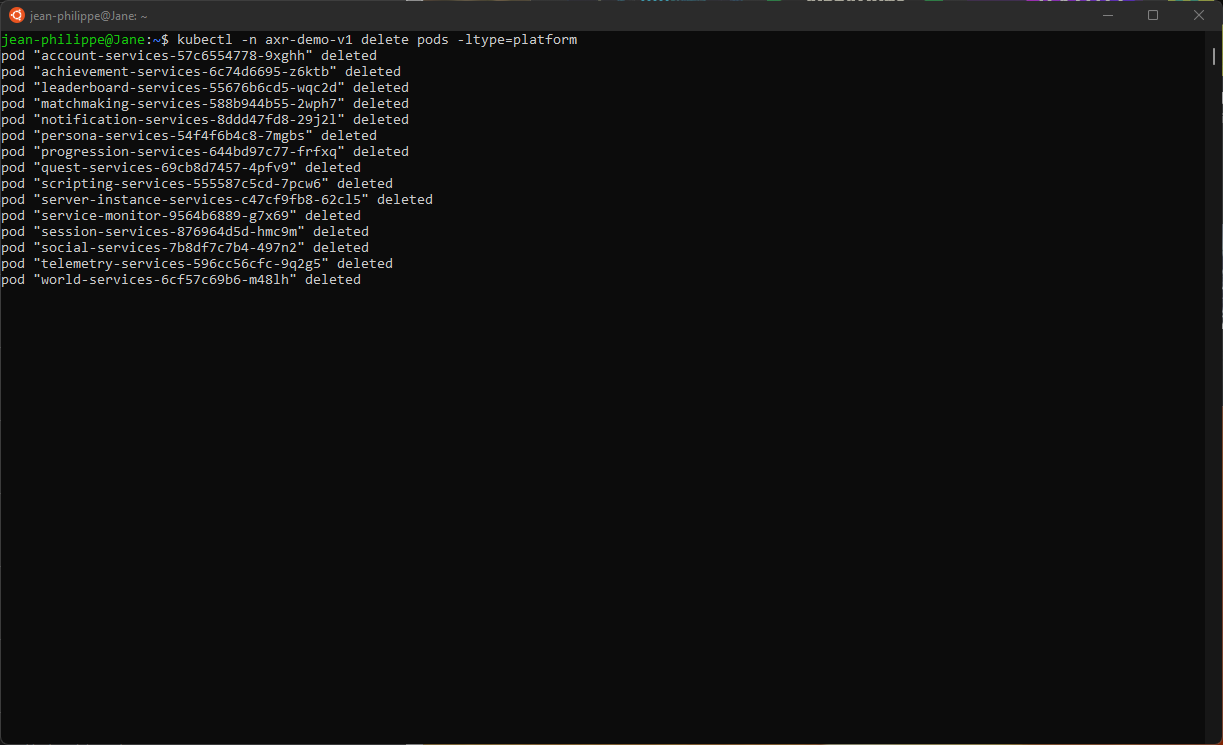
kubectl delete pods -ltype=platform
The output of this operation will look like the following:
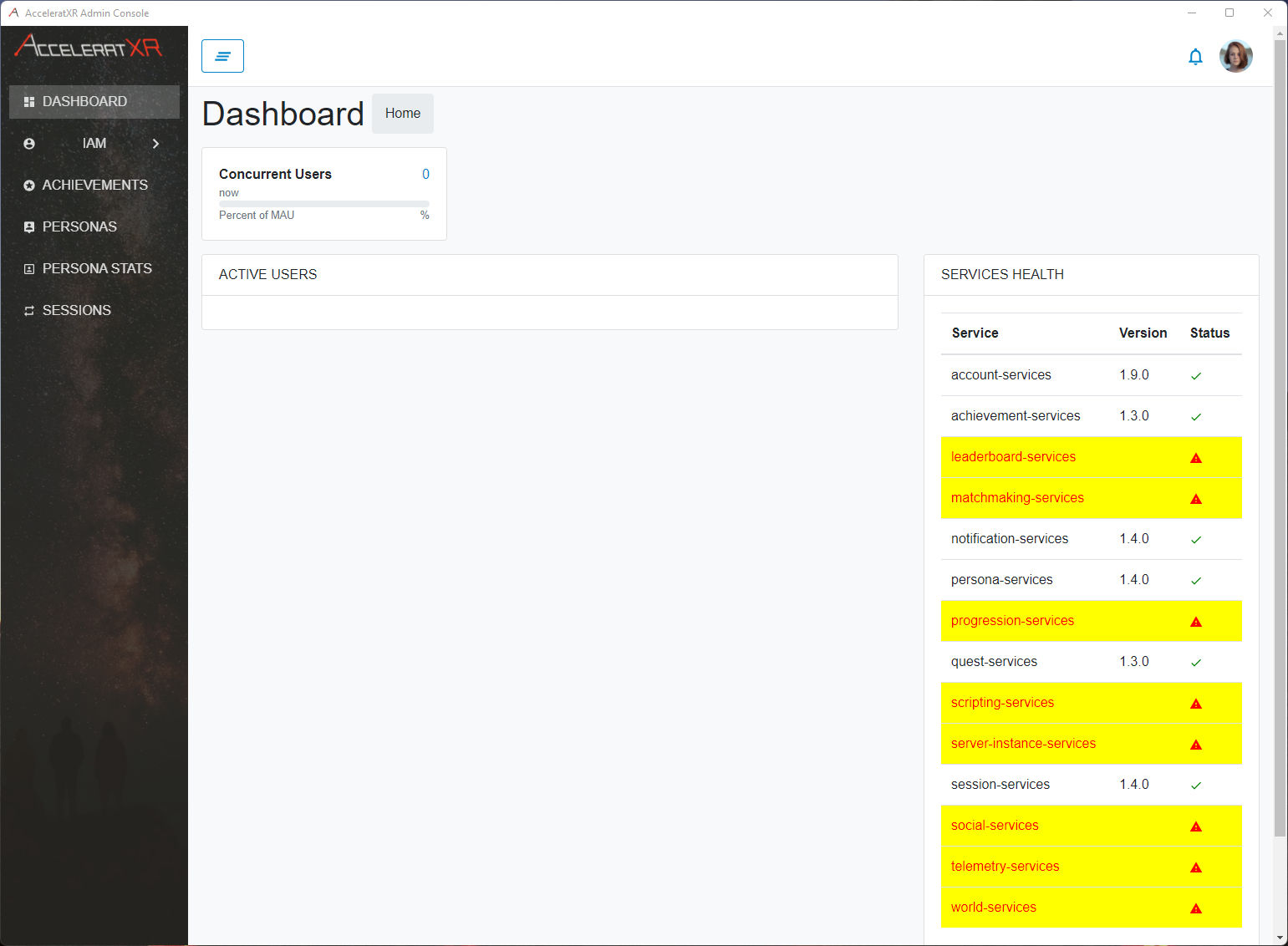
From the admin console you can then watch the progress as each platform service is restarted:
Restarting Everything#
In extreme circumstances it may be desirable to restart everything within a given cluster’s namespace. To do this run the command:
kubectl delete pods --all
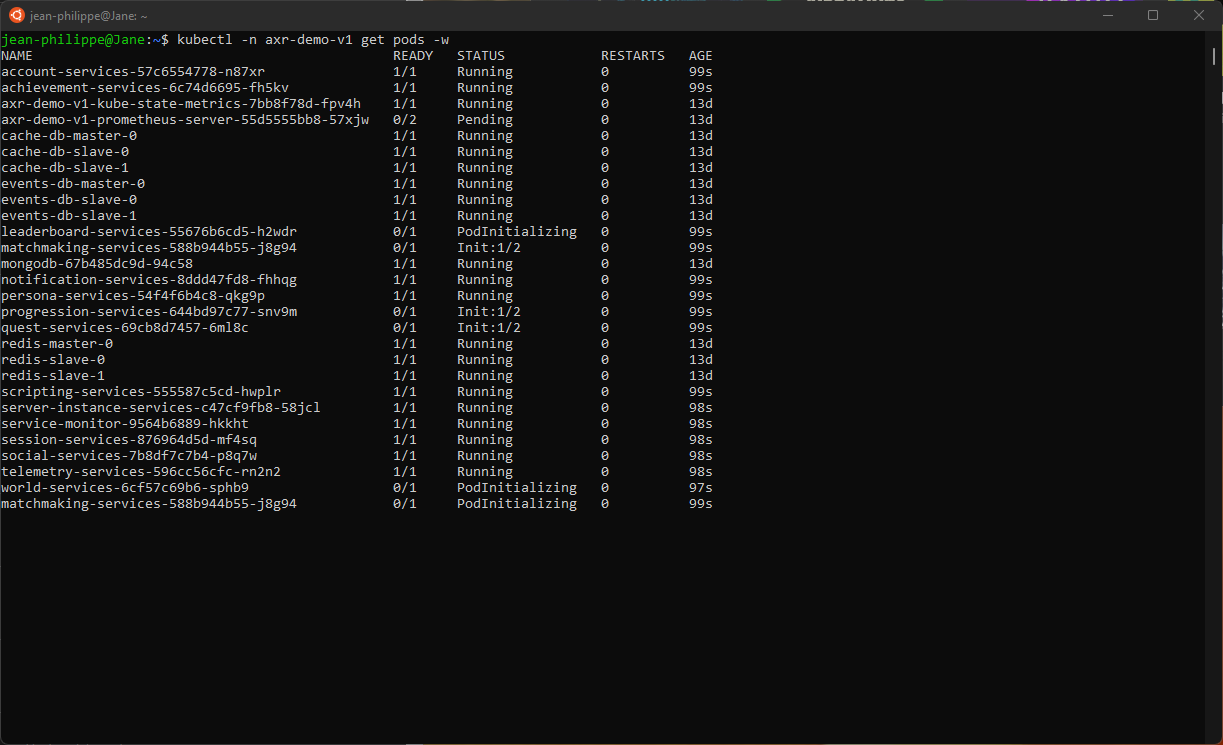
To monitor the progress of this operation it is best to run the get pods command with the -w flag as
shown below:
kubectl get pods -w